Dark Mode arrives on PokerStars
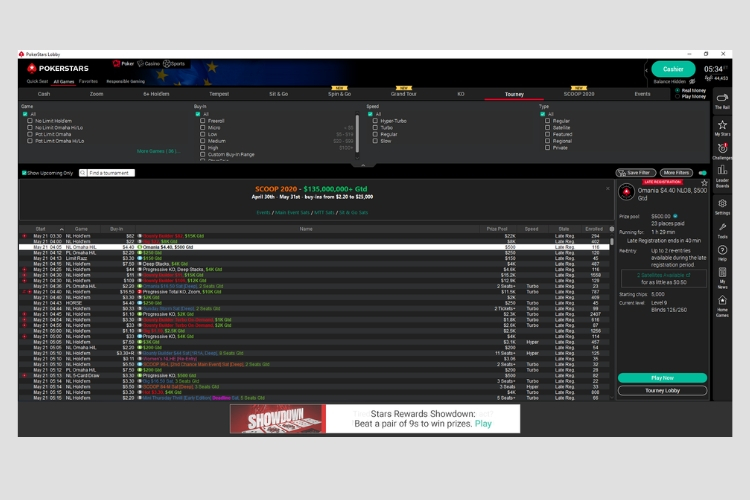
If you use the PokerStars desktop client you’ll have the option to turn on “dark mode” while you play from today.
Dark mode will dim the common lobby areas when the feature is enabled on PokerStars.
Requests from players prompted its development, and it follows the roll out of a more modern look to our desktop client.
It allows you to change the lighting preference and customise the client even further.
It follows the launch of The Rail (now live in the UK, with further roll out still to come), a personalised area on the PokerStars software.
And also Throwables, virtual objects that allow players to interact with their opponents at the table. You know… throw things.
Dark mode can be toggled via Settings > Lobby > Lobby Display
Then tick the Enable Dark Mode for List Layouts option.
Note that this will prompt a restart of the client.
Then you’re all set.
Back to TopLatest Articles



View Other Blogs